CCTV DVR / NVR Video Recovery
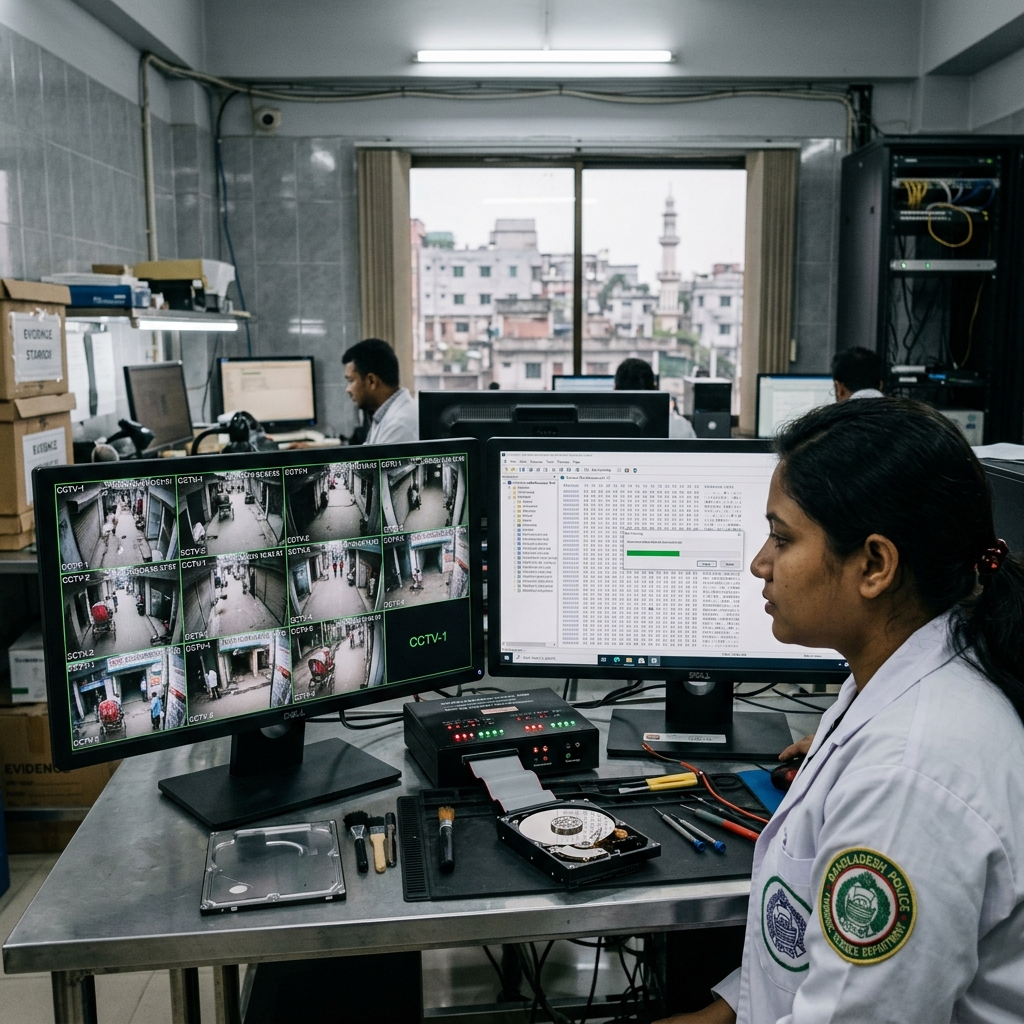
Recover missing or deleted security footage from surveillance systems. Data Recovery Planet in Dhaka provides advanced forensic video stream carving for Hikvision, Dahua, TVT, and CP Plus DVR/NVR hard drives.
Hikvision 16-Channel DVR (Seagate SkyHawk 4TB)
Formatted hard drive — DHFS frame carving
Common Symptoms of CCTV Video Failure
Root Causes of CCTV Video Loss
Our Forensic CCTV Video Recovery Process
Extract Hard Drive
Safely remove drive from DVR/NVR chassis.
Forensic Image Clone
Creating bit-stream clone to preserve evidence.
Analyze File System
Decoding DHFS, WFS & raw proprietary formats.
Recover Video Fragments
Raw frame carving of deleted video channels.
Reconstruct Timeline
Matching video frames with precise timestamps.
Convert to MP4 / AVI
Transcoding raw streams into standard MP4 format.
Export Specific Hours
Filtering specific dates requested by client.
Provide Verified Footage
Delivering verified videos with intact metadata.
We Recover Data From All Leading Brands
Do's & Don'ts for CCTV Data Recovery
Do's
- Stop recording immediately to prevent overwriting files.
- Document the exact date, time, and camera channel needed.
- Bring the entire DVR box if possible for proper stream matching.
Don'ts
- Do not allow continuous recording over lost video frames.
- Do not factory reset the DVR system or format the HDD.
- Do not run generic recovery software on DVR hard drives.
CCTV Video Recovery FAQ
Can formatted or deleted CCTV footage be recovered?
Yes! Formatted DVR hard drives usually retain raw video frames. Our forensic PC-3000 DVR software extracts unindexed video fragments channel by channel.
Can overwritten CCTV footage be fully recovered?
Partial recovery is possible from unallocated sectors that have not yet been overwritten by new camera streams. Immediate power shutdown increases yield.
How long does video recovery take and what is the policy if unrecoverable?
Evaluations take 24 hours. Most CCTV video extractions complete in 24-48 hours. Under our 'No Data, No Fee' policy, you pay nothing if no video is recovered.
Need Urgent CCTV DVR Forensic Video Recovery?
Call 09617881188 or WhatsApp 01850707362 for immediate assistance.